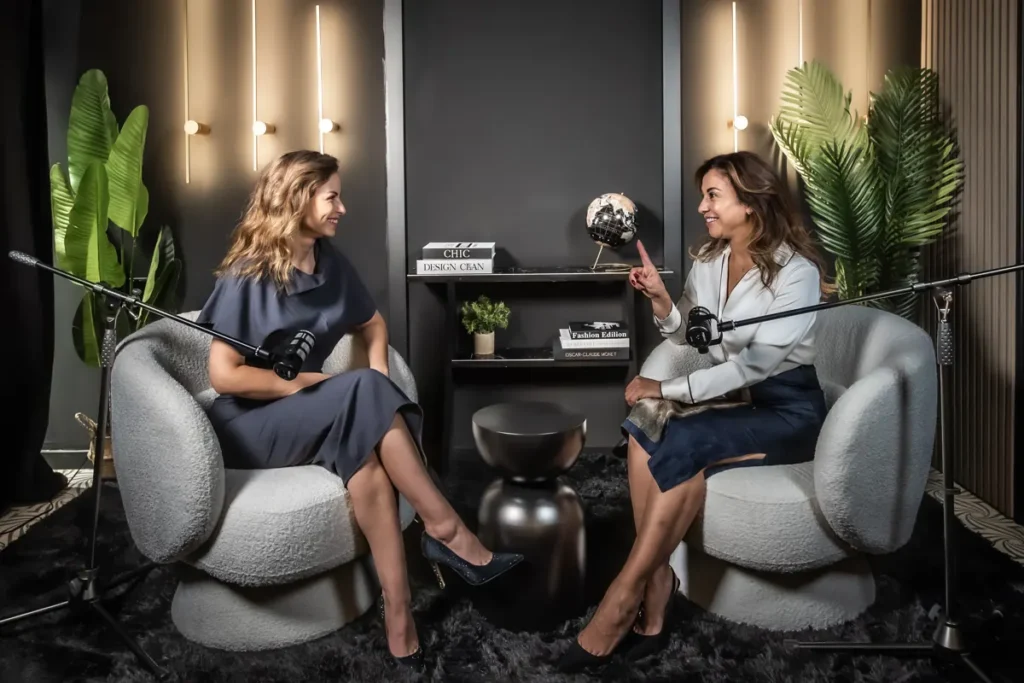
To upload a podcast to Spotify is free and much simpler than it looks. What usually holds people back is not the technical side, but not knowing where to start or which format to use. Here we explain it the way we do it with the shows recorded at the studio.
It is worth having three things ready before you open the account. First, the name of the show and a short description that says what it is about and who it is for. If you still do not have a name, our guide to podcast name ideas can help. Next, a square cover that is clear and readable at a small size, because that is how almost everyone will see it on their phone. Finally, at least one finished episode, although ideally two or three, so whoever arrives has more to listen to.
There are two routes, and it pays to choose well from the start:
The important difference is video. According to Spotify’s documentation, video episodes are available for shows hosted on Spotify and for some partner hosting services. So if you want to publish on video, the simplest option is to host the show on Spotify for Creators.
Video episodes are uploaded from the website, not from the mobile app. In addition, Spotify processes the file before publishing it and emails you when it is done, so do not worry if it takes a while.
Spotify accepts MP4 or MOV files. In its guide to publishing videos it recommends 16:9 landscape video encoded in H.264 and good-quality stereo AAC audio. In practice, if you export your episode in 1080p with those settings, you will not have any problems.
If you record a video podcast, also think about the image people see as a thumbnail. A good, well-lit close-up works much better than a distant wide shot.
Once on Spotify, share the episode link on your social media and your website. It also helps to publish the same episode on YouTube and cut short vertical clips. In any case, what matters is keeping a rhythm: one episode every two weeks for a year is better than ten in a row and then nothing.
If you are still preparing the show, start with how to make a podcast step by step. And if you would rather we handled the technical side, at the studio we deliver the episode edited and ready to upload, with the audio and video exported in the right format. You will find it all in podcast recording in Barcelona.
Written by Adina Harnagea, journalist and co-founder of the studio.